Sign in
  • Sign-in
  • Sign up

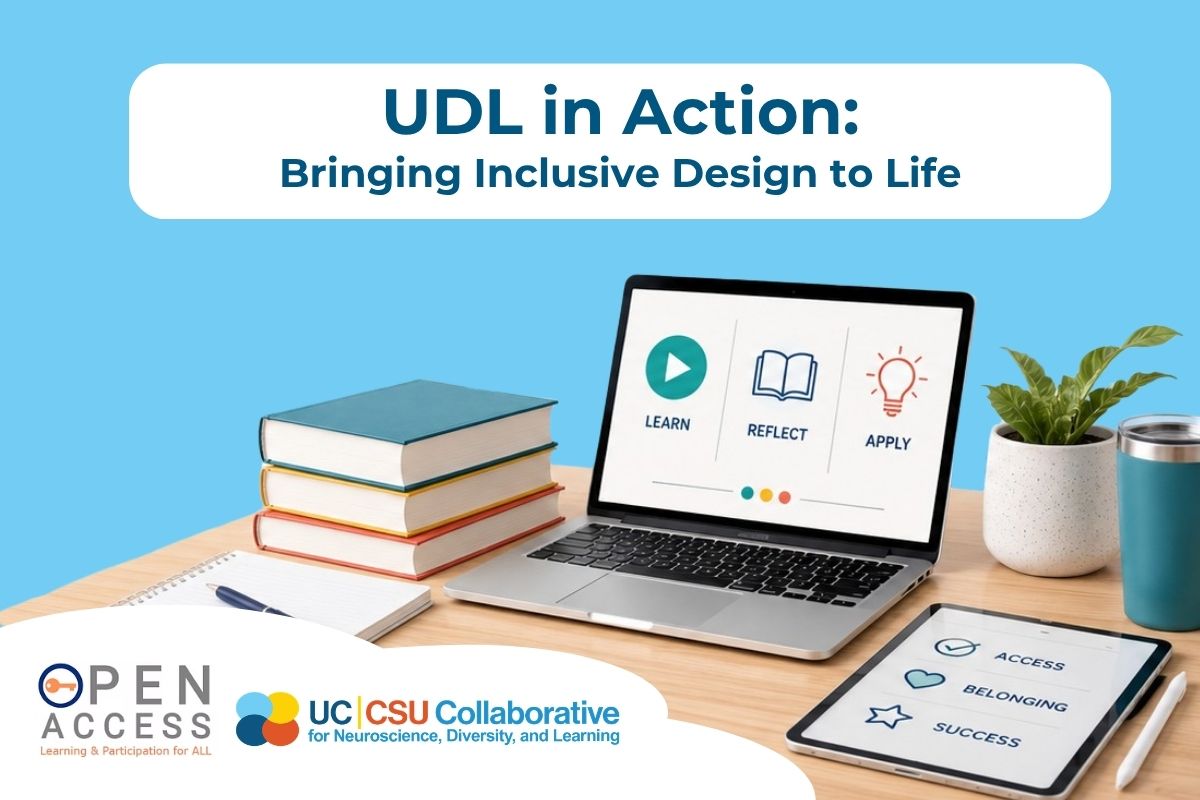
UDL in Action: Bringing Inclusive Design to Life
Manage

Add to lists

Only you can see these lists - view your lists on the My Learning page.


Unsave

This will also remove this resource from any lists you have added it to.

Yes, I would like to unsave
detail-img-lg
Recording available
Type:
  Webinar
Duration:
1 hour
Authors:
Laurie Balsano Wright and Leah Padilla
Developed by:
Open Access, Placer County SELPA and UC|CSU Collaborative for Neuroscience, Diversity, and Learning
Series:
Open Access Summer Learning Series: Practical Tools and UDL Strategies for Supporting Future Educators
Relevant categories:
Social Justice Special Education Technology
  Access requires that you create an account or login.

Overview


What does accessibility look like in authentic classroom settings? This session showcases examples of UDL, AT and AAC implementation through classroom photos, videos, and stories from Open Access Showcase Sites. Participants will explore how educators are designing learning environments, lessons, and experiences that anticipate learner variability. The session will also highlight the Open Access UDL Unlocked Podcast as an ongoing professional learning resource.

  Keywords: Accessibility, Inclusion, Universal Design for Learning (UDL)

Learning objectives


  • Identify key characteristics of universally designed classrooms and lessons
  • Connect UDL principles and guidelines to authentic classroom practices
  • Access ongoing professional learning opportunities through the UDL Unlocked Podcast and Open Access resources

Attachments


  This resource has attachments. To view them, login or sign up.

Related items


Tools for Inclusive Teaching: Open Access Resources for Future Educators

Discover a collection of high-impact Open Access resources that can immediately support teacher candidates as they prepare for the school year. This session highlights practical tools that help educators design inclusive learning experiences, collaborate effectively, and proactively plan for learner variability. Participants will leave with resources they can use during coursework, coaching, and field experiences.

 Webinar
  52 minutes
Open Access Collection

Open Access is committed to fostering accessible, inclusive, and high-functioning educational systems that support meaningful participation and success for all learners. Grounded in the Universal Design for Learning (UDL) framework and evidence-based practices, these collections of resources are designed to help educators, administrators, and school teams build capacity for systemic implementation of inclusive practices across learning environments. Together, the resources support schools in reducing barriers to learning while promoting engagement, communication, learner agency, and equitable access to rigorous instruction. The collections include supports related to Augmentative ...

 Resource Collection
UDL Guidelines

The UDL Guidelines provide a practical, research-based framework for designing learning experiences that work for all learners. By helping educators anticipate variability, remove barriers, and build in flexible options for engagement, representation, and expression, these resources support more inclusive, accessible, and effective instruction—along with tools to plan, reflect, and continuously improve.

 Website
  https://udlguidelines.cast.org...
Interactive UDL Companion

The Interactive UDL Companion is a dynamic tool that helps educators apply Universal Design for Learning in practice. By offering concrete strategies and examples across engagement, representation, and action and expression, it supports intentional lesson design that addresses diverse learner needs and promotes inclusive, flexible instruction.

 Website
  https://www.openaccess-ca.org/...
UDL Resource Flipkit

A curated collection of Universal Design for Learning (UDL) tools, templates, examples, and supports designed to help educators explore, plan, and implement UDL across learning environments. This Flipkit brings together practical resources that guide reflection, inspire lesson design, and provide ready-to-use materials that support flexible, inclusive instruction for all learners.

 Website
  https://www.openaccess-ca.org/...
AT Resource Flipkit

The AT Resource FlipKit was developed to support educators in finding tools and strategies which support access for students. If you are considering trying or implementing a new tool, please check with your district to ensure the specific product or resource meets your district's student privacy requirements. Use the filters on this website to explore specific strategies and tools that can help eliminate barriers to learning which exist within the learning environment.

 Website
  https://www.openaccess-ca.org/...
AAC Resource Flipkit

The AAC tools within the AAC FlipKit are a specially curated collection of supports that align with specific user levels (a framework borrowed from Marilyn Buzolich, Ph.D, CCC-SLP). These user levels are designed to help teams determine the level of technology a student may need and/or require at any given point in time.​ The levels help guide the team in understanding where the student is headed in order to prepare students to successfully move towards more complex systems.

 Website
  https://www.openaccess-ca.org/...
Added on 6/23/2026   ·   Last updated on 6/23/2026

Welcome to Arraya Learning!

Arraya Learning is a centralized, evidence-based resource hub developed and vetted by leading experts across the University of California (UC) and California State University (CSU) systems. It’s designed to meet the evolving needs of educators, teacher educators, and leaders across California.
1 / 3

Getting Started

Based on the preferences you selected when creating your account, we will personalize your learning experience by recommending resources that fit your interests. You can change your interests or update your email settings on the My Profile page.

Use the Search bar or Catalog to find specific resources or browse through recommended or recently added resources.

The LEARN menu keeps track of your activities and is your way to access Courses, Trainings, Webinars, and more.
2 / 3

Key Terms to Get You Started

Course - Interactive, asynchronous learning courses that can be taken independently.
Webinar - A live, informational session held virtually or in-person. Recordings are available after the live session.
Training - A workshop, seminar, or presentation held virtually. Pre-recorded “anytime training” sessions are also available.
Resource Collection - A curated set of resources on a specific topic or strategy.

Find these and more on the Arraya Homepage and in the LEARN menu!
3 / 3
UC|CSU Collaborative for Neuroscience, Diversity, and Learning University of California The California State University
Copyright © 2024-2026 UC|CSU Collaborative for Neuroscience, Diversity, and Learning
About   |   Terms   |   Privacy   |   Accessibility   |   Contact
Saved! (Manage)
Unsaved
Changes saved! (Manage)
Are you sure you want to unsave this resource?